 Mother's Day Sale | 16% OFF $19.95+ (Code: MOM16) • 22% OFF $69.95+ (Code: MOM22)
Brother MFC-L5850DW Toner Replacements
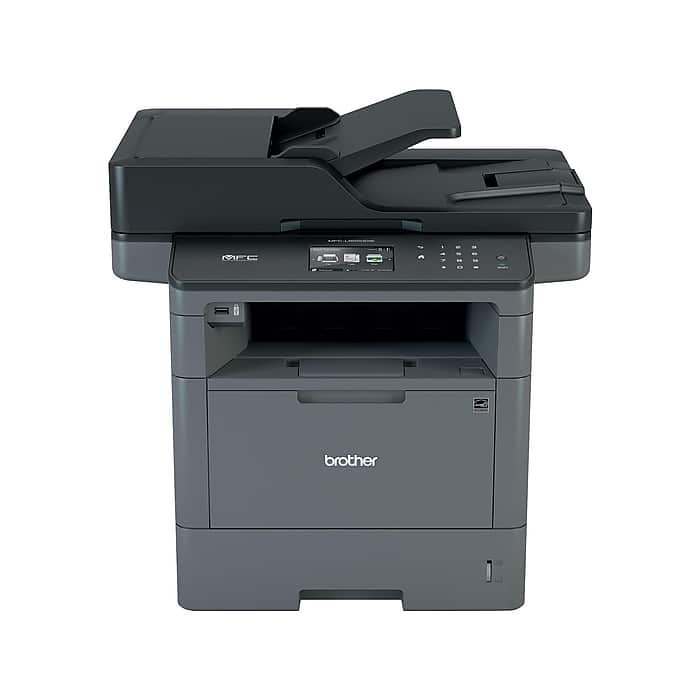
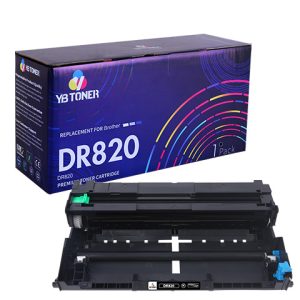
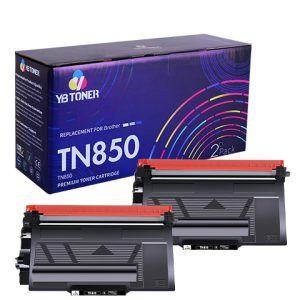
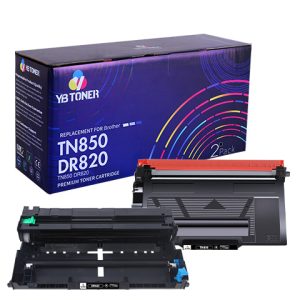
If you have a Brother L5850DW printer, you can choose our friendly-priced TN820 or TN850 compatible toner cartridge to replace your old toner cartridge. TN820 and TN850 toner cartridges can be collectively named Brother MFC-L5850DW toner cartridges. Our Brother L5850DW toner replacements are certified for quality, quantity, and compatibility. And using our cartridges will not invalidate your printer warranty, so you can buy our products with peace of mind.
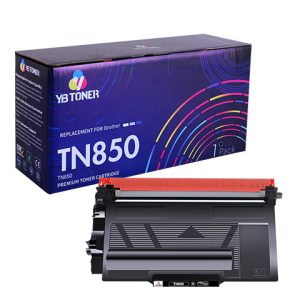
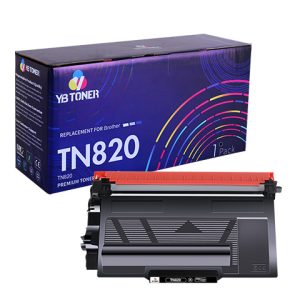
Reasons for Buying Our Brother MFC-L5850DW Toner Cartridge Replacements
Quality-assured Brother MFC L5850DW Toner Replacements
We are a regular compatible toner cartridge seller with registered trademarks, and we strongly refuse to sell pirated or low-quality toner cartridges to deceive consumers. All compatible toner cartridges we sell are of good quality. The same goes for these compatible Brother MFC-L5850DW toner cartridges. I dare not say that the print quality of our L5850DW toner cartridge replacements can surpass the genuine ones, but they can be comparable to genuine cartridges. Moreover, I can confidently say that the print quality of our cartridges is top of the line among compatible toner cartridges of the same price.
Quantity-assured Brother MFC-L5850DW Toner Resets
According to ISO 19752 standards, our Brother TN820 black standard yield toner cartridge and Brother TN850 black high yield toner cartridge can print 3,000 pages and 8,000 pages respectively. They can print the same volume of pages as the original toner cartridges. The lifetime of toner cartridges is mainly determined by the page yield. The number of page yield means how many pages you can print with this toner cartridge. So having such high yield toner cartridges make you not change your cartridges frequently to save money and time.
Compatibility-assured Brother L5850DW Toner Replacements
The chip is the bridge between the toner cartridge and the printer. A high-quality chip enables the toner cartridge and printer to cooperate with each other and work stably together. All toner cartridges for the Brother MFC-L5850DW printer we sell are equipped with chips. Our chip production process is refined and standardized. The good-quality chip of our compatible Brother L5850DW toner cartridge can bring toner cartridges into good contact with the printer. It can make our Brother MFC-L5850DW toner replacement easily recognized by the Brother printer. So, you can use our replacement toner with peace of mind.
Frequently Asked Questions about Brother MFC-L5850DW Toner and Printer
Why does my Brother MFC-L5850DW printer print slow with the Brother L5850DW toner cartridge?
- You may have ‘Quiet Mode’turned Turning on this mode will reduce print speed.
- You may give too many print commands to your Brother MFC-L5850DW printer in a short time.
- The print resolution is set too highto print quickly.
I have not changed the toner cartridge for Brother MFC-L5850DW before, how to replace it?
- Open the cover of the printer, and take out the Brother toner MFC-L5850DW cartridge that has been used up together with the drum assembly.
- Remove the Brother L5850DW replaced tonerfrom the drum assembly.
- Put a new Brother MFC-L5850DW cartridge into the drum unit.
- Gently put thedrum unit combined with the toner cartridge into the printer.
I found my L5850DW printer often produced faint pages with Brother MFC-L5850DW toner cartridge. Why is this?
There are several factors that may result in faded prints (divided into partially faint and totally faint) with Brother L5850DW toners.
– Partially faint
- Toner powder inside the Brother L5850DW tonercartridge is unevenly distributed.
Way: Remove the toner cartridge together with the drum unit, and gently shake your toner cartridge in a horizontal motion
- The developer roller(transfer roller) is contaminated somewhere.
Way: Use a dry cloth to gently clean the surface of the transfer roller. Or you can buy a new toner cartridge to replace.
– Totally faint
- Your Brother MFC L5850DW toner replacementis going to run out.
- The drum unit is nearing the end of its lifetime.
- The humidity and temperature of the printer’s environment are too low or too high.
- You may have ‘Toner Save’mode turned on.
